

Motionflare
Turn your website into a stunning launch video in minutes
1 / 5
Description
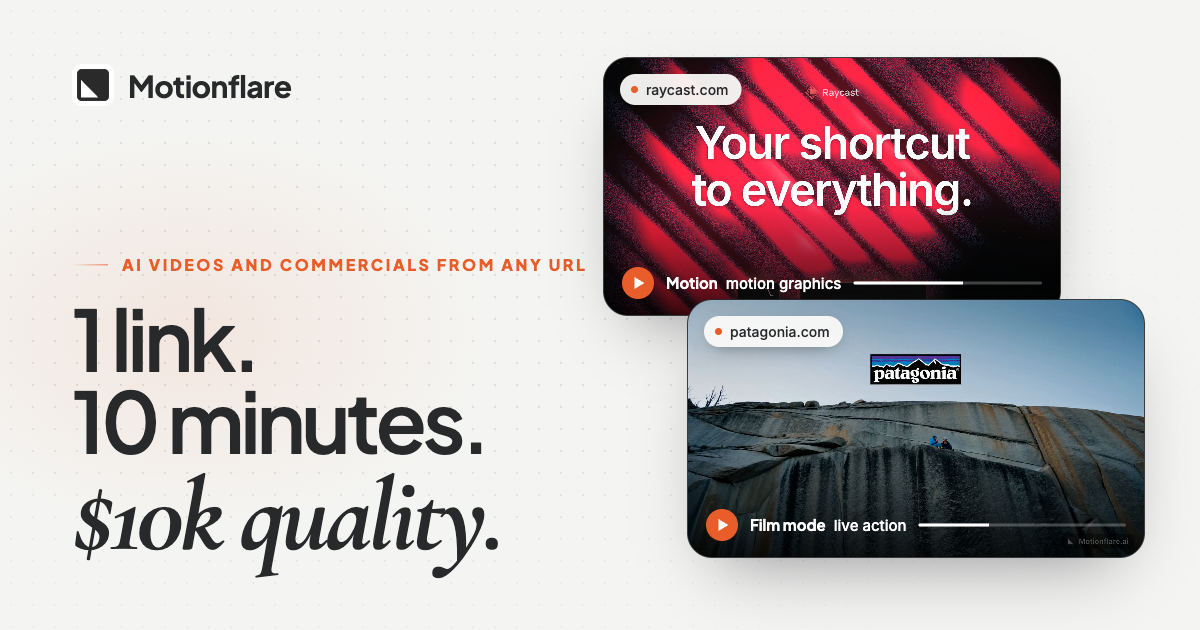
Motionflare turns your website into a ready-to-share marketing video and brand film in minutes. Paste a URL and it uses your real product screenshots, logo, colors, and copy to create branded motion graphics with music and optional narration. Or switch to Film mode to generate a live-action commercial. Refine the result by chat and export in up to 4K.
Tags
Pricing
N/A
No
Not Available
Platform Support
Technical Information
Frequently Asked Questions
How do I turn a website URL into a product demo video?
Paste a public product URL into Motionflare. It reads the page, captures real UI screenshots, and writes an on-brand demo with a score made for it. Narration is optional. On the free plan you preview it in your browser, watermarked and up to 10 seconds long; a credit pack or a subscription unlocks export.
Does Motionflare use my real product interface, or stock footage?
Real interface. Screenshots are captured from the live page you paste and composed into scenes, so the video shows your actual UI rather than stock clips or a generated approximation.
What does it cost if I only need one video?
The free plan includes 6 one-time credits, enough for one watermarked preview of up to 10 seconds in your browser. To export without a subscription, buy a credit pack: $15 gets 40 credits and unlocks 1080p and 4K export without a watermark. A subscription starts at $29 per month.
Social Media
Social Media